
Xesim X7 Bluetooth Card
Bluetooth built in. eSIM management back in the app.
Manage eSIMs across iPhone, HarmonyOS NEXT, and Android with one familiar experience.

Three platforms. One experience.
The Xesim App connects to X7 through Bluetooth, giving supported phones a consistent way to manage eSIMs.
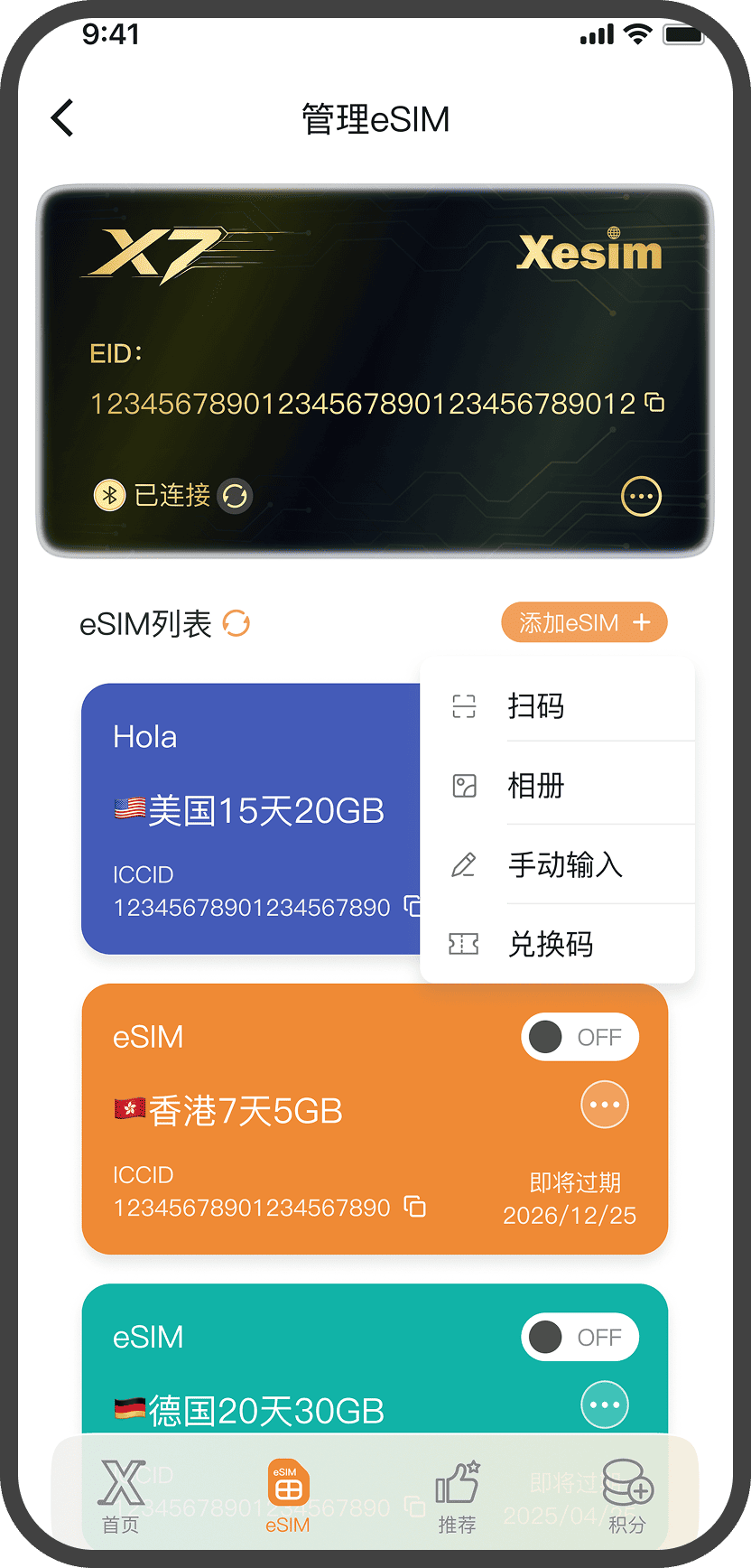
App interface illustration. Appearance varies by platform.
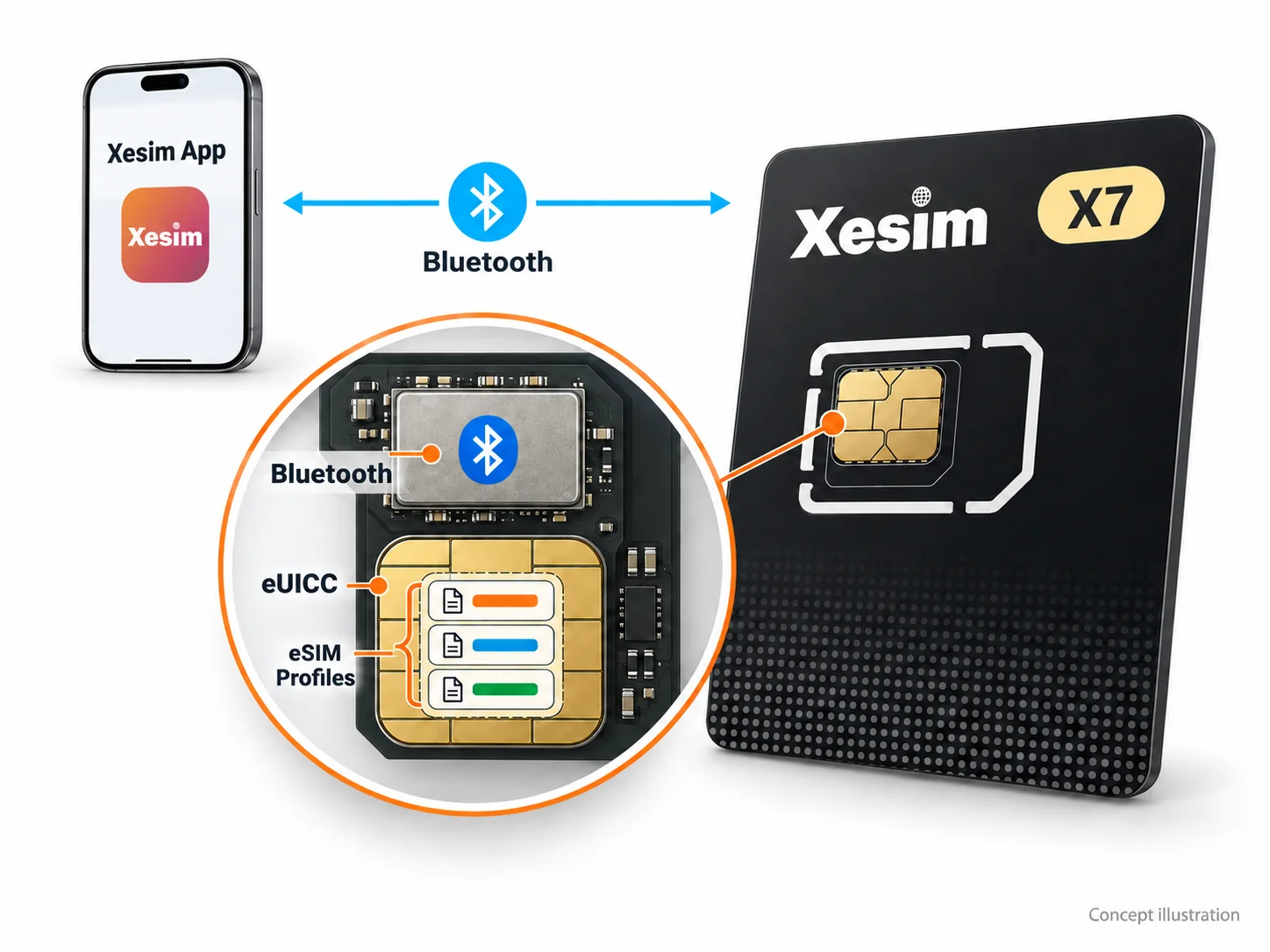
How X7 Bluetooth Card works
Bluetooth for management. eUICC for secure storage.
- App connects directly over Bluetooth
- The Xesim App uses the card’s built-in Bluetooth chip to download and manage eSIM profiles.
- eSIM profiles stay securely on the card
- The eUICC secure chip stores your downloaded eSIM profiles and supports their secure use.
- Powered by the SIM slot
- Insert X7 into a compatible device’s physical SIM slot. No separate charging or extra card reader is needed.
Bluetooth handles card management. Mobile connectivity comes from the enabled eSIM profile and the cellular network.
Your eSIMs. One screen.
Download and manage eSIM profiles with the Xesim App.
- 01Scan and downloadAdd an eSIM profile from its QR code.
- 02Switch and manageChoose the profile you need in the App.
- 03View and labelKeep profiles clear and organized.
Choose the right Xesim
A quick view of how each model is managed.
| Category | 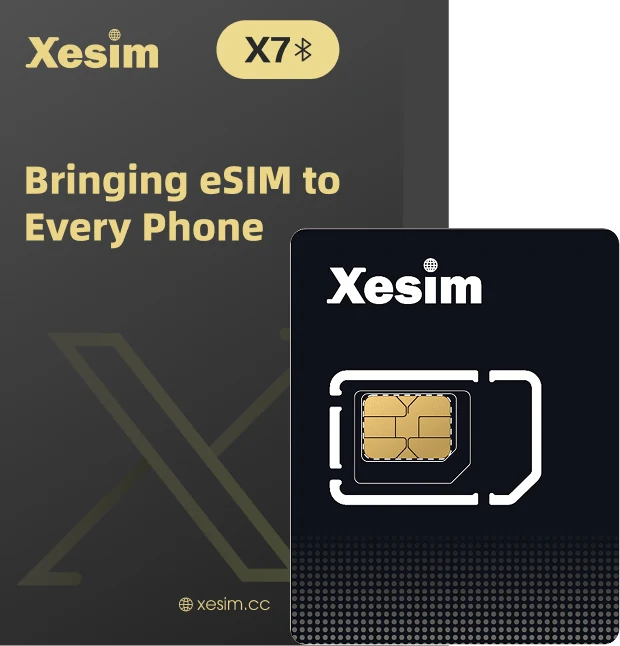 X7 Bluetooth Card X7 Bluetooth Card |
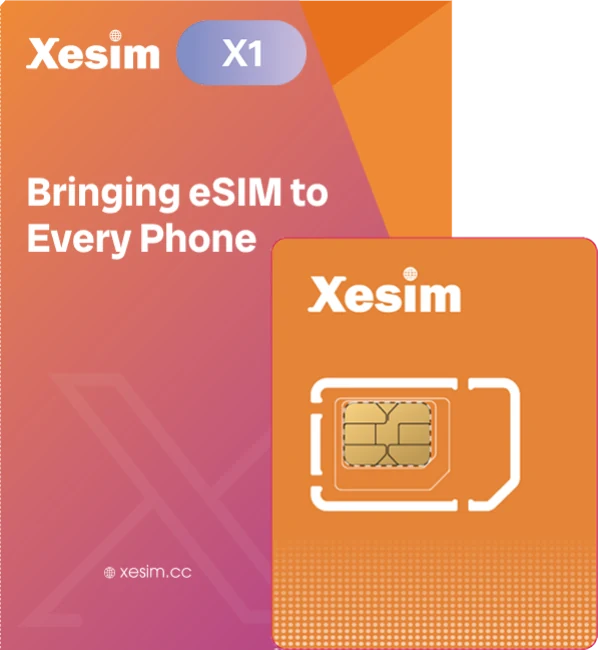 X1 X1 |
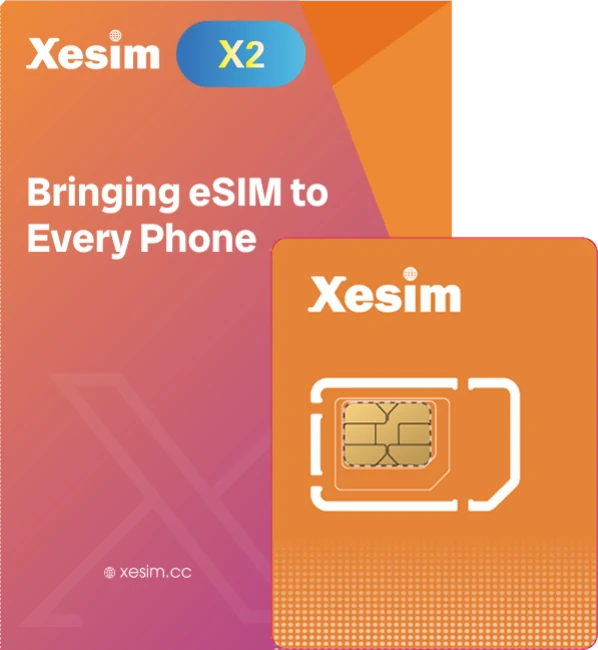 X2 X2 |
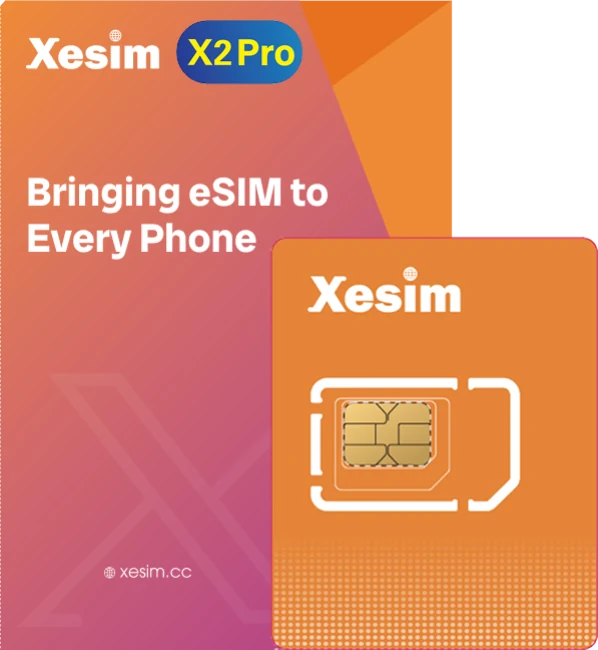 X2 Pro X2 Pro |
|---|---|---|---|---|
| Next step | Buy X7 Bluetooth Card | View X1 | View X2 | View X2 Pro |
Compatibility depends on the phone and software environment. Confirm the latest requirements before purchase.
From SIM slot to your first eSIM.
- 01
Insert X7 Bluetooth Card
- 02
Connect in the App
- 03
Add an eSIM
- 04
Enable and connect
What you may want to know about X7 Bluetooth Card
Does X7 Bluetooth Card need charging?
No. Like a regular SIM card, X7 is powered by the phone’s SIM slot.
Can my phone use X7 Bluetooth Card?
iPhone, Huawei HarmonyOS and Android models are supported. iPhone and HarmonyOS use Bluetooth to connect to the Xesim App for management.
App and Bluetooth
The Xesim App connects to on-card Bluetooth to download and manage eSIMs. Turn on Bluetooth and grant the relevant permissions when connecting.
Is the Bluetooth connection secure?
The Bluetooth connection between X7 and the Xesim App uses authenticated pairing. Only a paired device can manage the eSIMs on the card.
Storage capacity
The theoretical maximum is approximately 30 eSIMs. Actual capacity depends on the space occupied by each eSIM Profile.
Other common questions
Check that the card is inserted correctly, Bluetooth is enabled, and the App has connection permissions. If it still cannot connect, contact Xesim online support or email support@xesim.cc.
Discover X7 Bluetooth Card. Get ready for eSIM freedom.
X7 Bluetooth Card is now available. Buy it from the official store.