Insert
Insert Xesim into a compatible device’s physical SIM slot.
Xesim is a physical eSIM card with an eUICC secure chip for storing and securely using eSIM profiles. Downloaded profiles stay on the card, with management methods depending on the device and model.
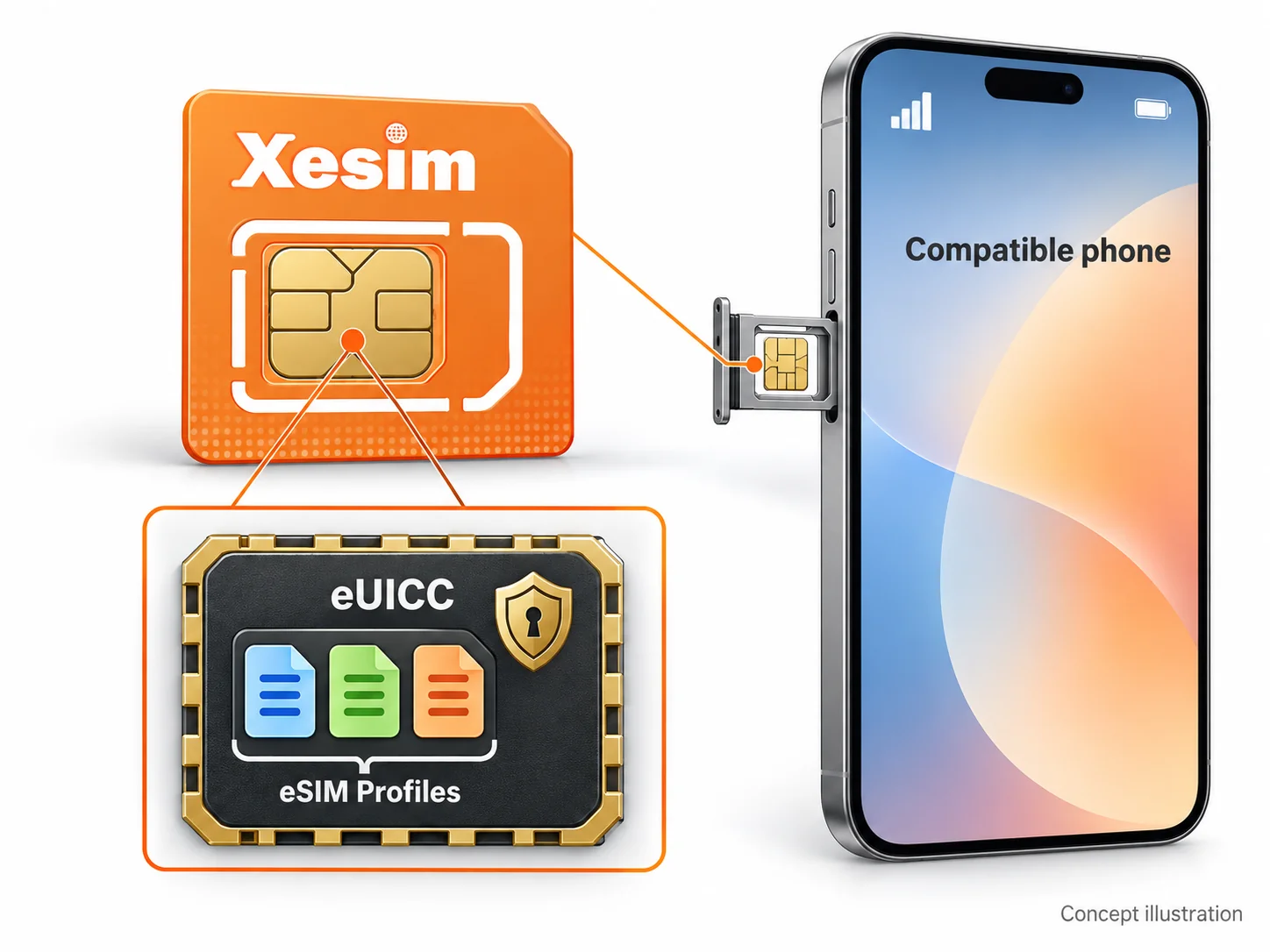
Insert Xesim into a compatible device’s physical SIM slot.
Download an eSIM profile to the card using the management method supported by your model.
Enable the desired eSIM and select its data line in your phone settings.
Select your card model to see its management method. X7 adds Bluetooth App management alongside the existing models.
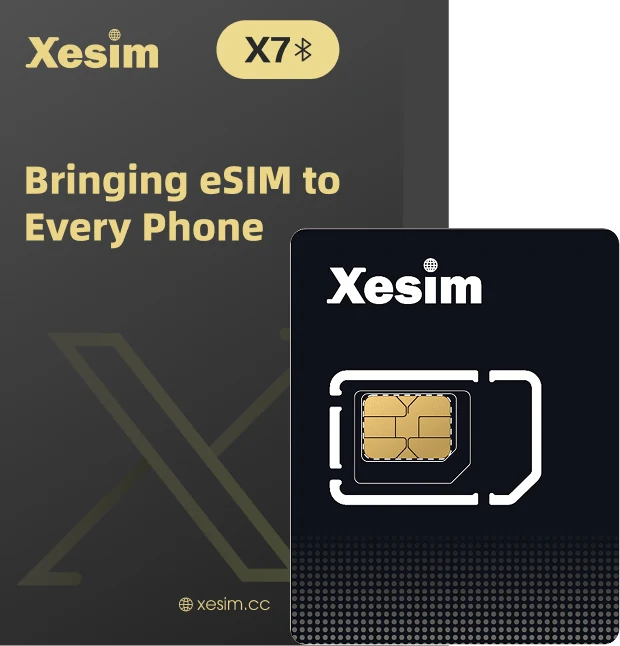
On iPhone, HarmonyOS NEXT and Android, connect to X7 over Bluetooth to download, switch and manage eSIMs. Three platforms. One experience.
Explore X7
Download and manage eSIMs through a compatible Android phone’s SIM interface. Check compatibility in the Xesim App before purchasing. After downloading, use the card in other compatible phones.
Official setup guide
Manage X2 Pro through SIM Toolkit / STK on supported iPhone, Huawei HarmonyOS and Android devices.
Official setup guideNo. Xesim is an eSIM adapter that upgrades compatible phones to eSIM.
Yes. X7 connects to the Xesim App over Bluetooth; X2 Pro uses SIM Toolkit / STK. Check compatibility for your chosen model.
No. Manage eSIM directly through the app or SIM Toolkit / STK.
Basic Xesim App management requires no registration or login.
Compare models and compatibility before you buy.